Per-target RTC SDK acceptance before go-live
Source present, build passing, simulator playback, and a working physical target are different results. For each shipping target, record server version, SDK build, installed app version, device/OS, network, date, and real evidence. Mark anything not tested as “unverified.”
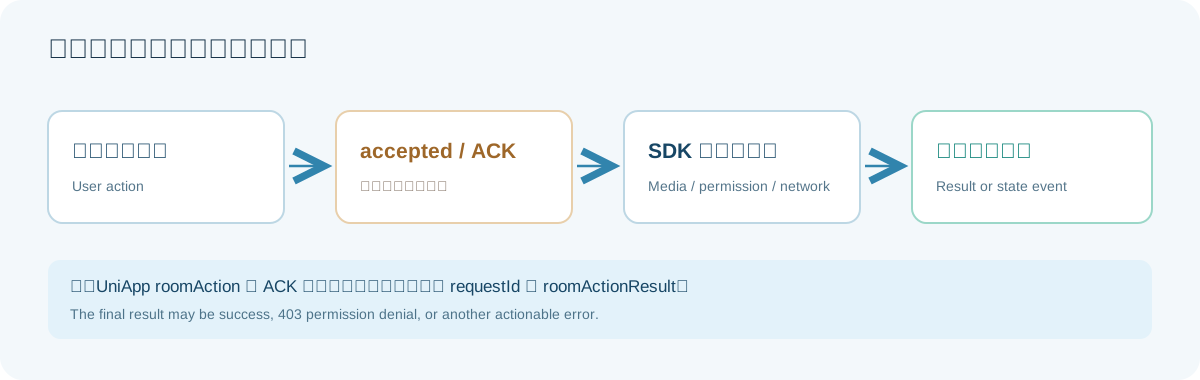
Shortest acceptance route
- Receive-only: join a test room without local capture and confirm video and audio arriving from a second endpoint.
- Publish separately: enable camera, then microphone. Confirm real frames and audio at the other device; a local preview or OS indicator is insufficient.
- Governance and collaboration: verify ordinary-member permissions, admission, host transfer, forced mute and recovery, chat attachments, whiteboard, and screen share.
- Recovery: after a brief network outage, app background/foreground, screen lock, or system call, compare media and membership state. Obtain a new admission ticket when joining again after leaving.
- Record and replay: start/stop in an enabled room, await finalization, then inspect member video, device identity, sound, whiteboard, chat, speaking events, and attachments. Verify that unauthorized users cannot download.
Evidence that each step passed
| Check | Evidence beyond the UI |
|---|---|
| Receive-only join | Server has current participantId/deviceSessionId; remote decoded frames and audio packets increase |
| Enable microphone | Other device hears real speech; publisher audio packet count grows |
| Enable camera | Other device keeps decoding new frames; log local preview separately |
| Mute or disable camera | Target media changes as expected; the other healthy medium remains |
| Host transfer | New host can control recording; previous host gets permission denial |
| Network recovery | Sessions, publications, subscriptions, and member count settle without duplicates or a stuck speaking outline |
| Archive replay | Run reaches Stopped, files exist and decode, chat/whiteboard appear at their recorded times |
When one check fails, record its time, target, and error before clicking the next control. “Video works, audio is silent” already proves part of the path; inspect microphone permission, sent packets, and received packets before recreating the entire room.
| Target | Additional checks |
|---|---|
| Web/H5 Demo | Capture permissions, autoplay, HTTPS, and return navigation in required browsers |
| Native Android and WebView | Physical-device network, prompts, foreground service, background restrictions, lab versus production CA |
| Native iOS and WKWebView | Developer trust, certificate chain, capture permissions, ReplayKit signing, system audio routing |
| uni-app / uni-app x | Custom base actually contains matching AAR/XCFramework; install both native targets |
| WeChat Mini Program | Real AppID, allowed domains/components, combined media and codec compatibility |
Current development evidence covers some real Android/iPhone recording, Web Demo, and simulator replay. Updated physical app builds, a UniApp custom-base end-to-end run, long recordings, weak networks, and a real mini-program environment still have open checks. Public claims should reflect actual evidence, not extrapolate one platform to all targets.
For failures, record time, room ID, anonymized member/device IDs, operation result, and actual media stats. Remove tokens, cookies, signed URLs, and personal data before sharing logs. Use RTC or browser connection failed to troubleshoot.